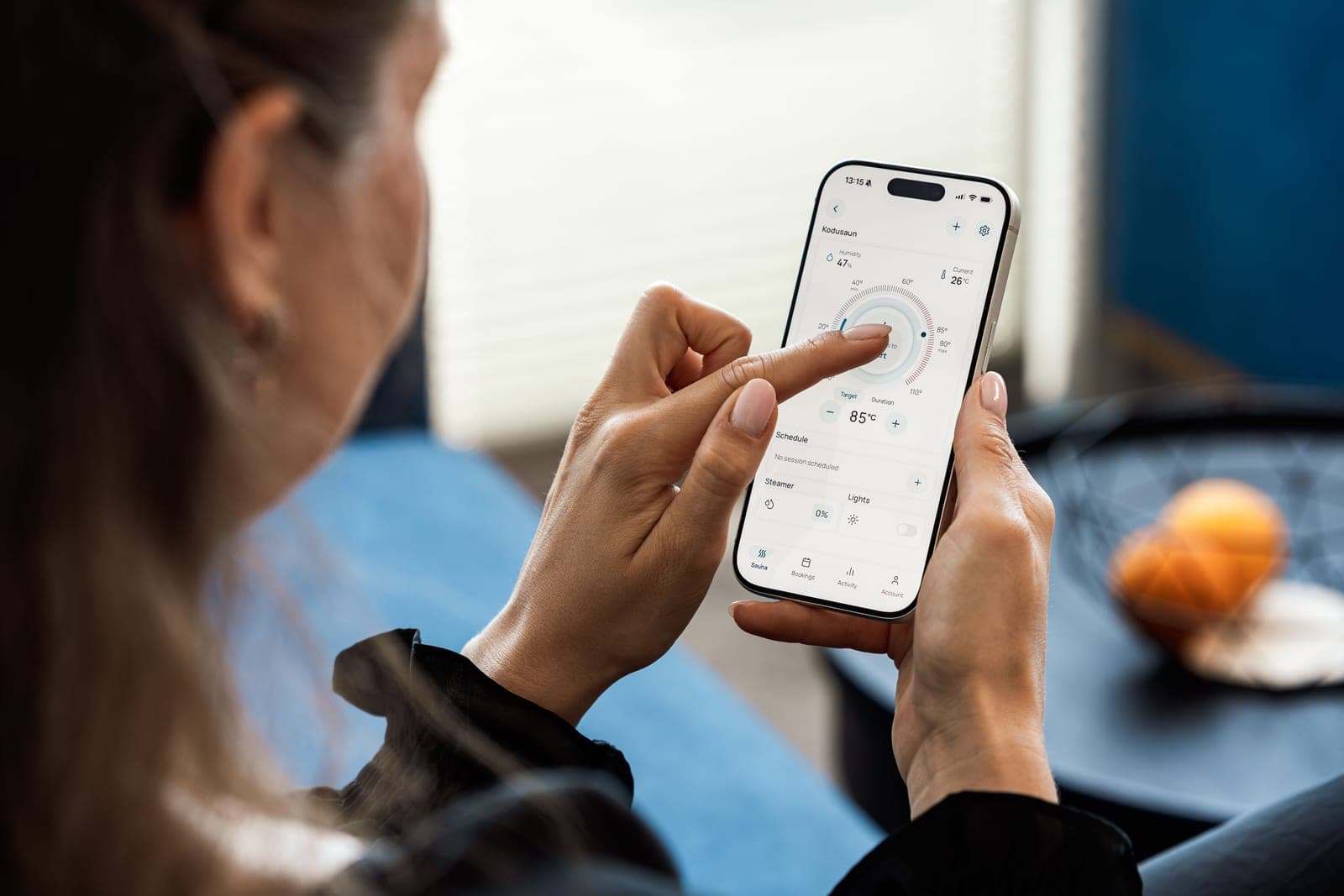
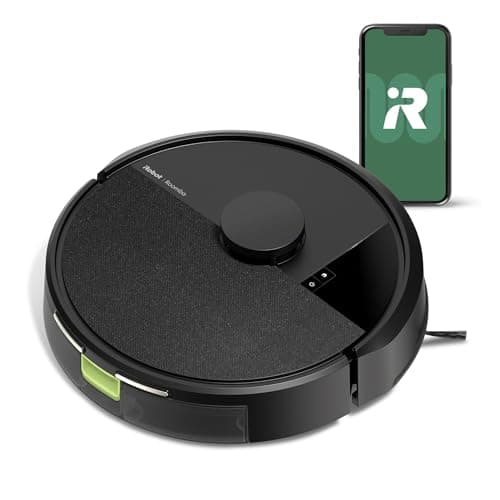
Voice control comes free on almost everything and almost nobody uses it after week one. The app is the part you actually live with.
By Scooter M., Enthusiast - published September 2, 2026
We have not tested these machines. Everything here comes from published specifications, manufacturer manuals and retailer listings, all cited below. Prices last verified October 17, 2026.
How this is funded: if you buy through a link here we may earn a commission, at no extra cost to you. It does not change which machines we recommend or what we say about them. Full disclosure.
The best app in this price range is iRobot's, on the Roomba 105 Vac - it is the most mature software in the category, and its Clean Map report is the only one that tells you what the machine actually did rather than what it intended. Voice control is not a reason to choose any machine: it is near-universal, it is free, and almost nobody uses it after the first week.
This is the least-discussed and most-used part of owning a robot vacuum. You will interact with the app several times a week for years. You will interact with the hardware when something goes wrong.
#
Product
Best for
Score
Price
01
iRobot Roomba 105 VacThe lowest price at which you can buy genuine LiDAR mapping from a company that has been doing this for twenty years. It publishes no suction figure.
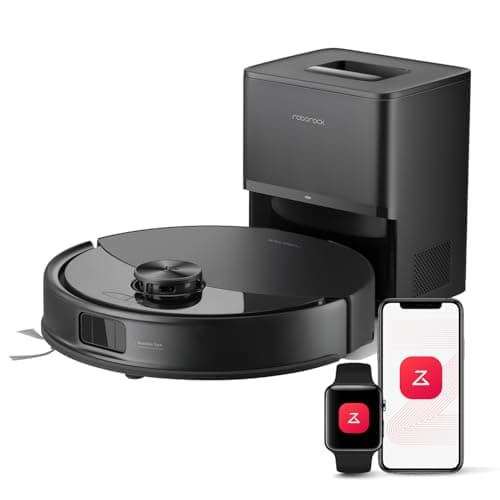
Roborock Q10 S5+The only machine under $300 that maps with LiDAR and sees obstacles with structured light. Everything else here is navigating half-blind.
#ad No live price for this one as of October 17, 2026. How we are funded
04
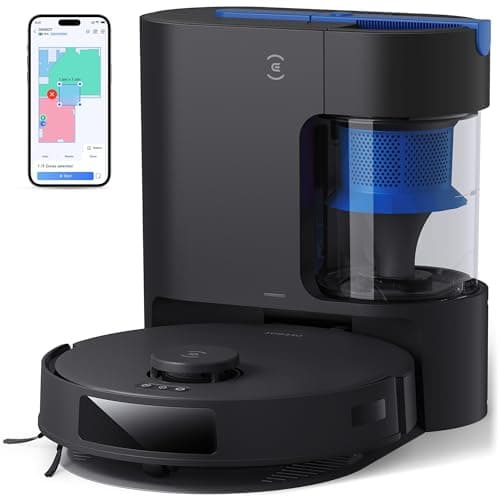
Ecovacs DEEBOT N20 PlusA self-emptying dock with no bag in it. Over three years that is the difference between this and everything else here, and it is not close.
#ad No live price for this one as of October 17, 2026. How we are funded
Scores come from the published rubric on How We Pick: suction 25%, navigation 25%, pet hair 20%, running cost 20%, setup 10%. They are editorial judgments about published specifications, not test results.
Why voice control is a non-feature
Alexa and Google Assistant support is close to universal here, including on machines under $100. It costs the manufacturer almost nothing to add and it appears in every listing, which is precisely why it should not influence your choice.
The deeper reason is that the use case does not fit. A robot vacuum is a thing you want running while you are out - that is the entire point of an unattended machine. Voice control only works when you are in the room, which is the one situation where you would rather it were not running. People use it for a fortnight because it is novel and then schedule the machine instead.
The single exception is worth noting: on a machine with no app at all, like the ILIFE V2, the absence of voice control is felt differently - though ILIFE states the V2 can still be put on a schedule from its remote, which is more than most network-free machines manage. But that is an argument about the app, not about voice.
What actually separates the apps
Map stability. Whether the saved floor plan survives you moving a sofa, or whether the machine decides it is in a new house and starts again - taking your no-go zones with it. This is the single biggest quality difference and no manufacturer publishes anything about it.
Zone editing. How fiddly it is to draw a no-go rectangle and how precisely you can place it. Some apps snap to a coarse grid.
Scheduling granularity. Whether you can schedule different jobs on different days - a vacuum pass on weekdays and a mop pass at weekends, for instance, which is how a mop combo should be run.
Reporting. Whether the app shows a coverage map of what was actually cleaned, or only that a job completed. iRobot's Clean Map is the standout and the rest range from basic to absent.
Account requirements. Whether the machine works on a local network or insists on a cloud account, and what happens to it if the manufacturer stops running that service.
None of these appear on a specification sheet, and we have not used these apps, so this page ranks on what each manufacturer publishes about its software and on how established the platform is - not on how it feels to use. That is a real limitation of this page and we would rather state it than imply otherwise.
The Wi-Fi detail that causes most setup failures
Almost every machine here requires a 2.4 GHz network for setup and operation. Roborock states it outright for the Q10 S5+; iRobot states it for both Roomba models. Modern mesh routers frequently present 2.4 and 5 GHz under a single network name and decide for themselves which band a device gets - and if the phone doing the setup is on 5 GHz, pairing fails with an unhelpful error.
The fix is to temporarily split the bands or create a guest 2.4 GHz network for the pairing. It is the most common setup complaint in the category and it is a router problem rather than a vacuum problem.
One machine here sidesteps it: the Lefant M3 supports both 2.4 and 5 GHz with automatic switching. On a mesh network that is a genuine convenience, and it is the kind of specification that never makes a roundup because it sounds boring.
What happens if the app is discontinued
This is the risk nobody prices in. A cloud-dependent robot vacuum whose manufacturer shuts down the service becomes, at best, a machine with a start button. The smaller the brand, the higher that risk - and several brands on this site are small.
There are two hedges. Buy from a manufacturer with a long track record and a large installed base, which here means iRobot, Roborock or TP-Link's Tapo line. Or buy a machine that never needed the cloud in the first place - which is a genuine argument for the ILIFE V2, a machine that cannot be remotely broken because it was never remotely connected.
Charging only - no self-emptyingSource: Manufacturer listing
Recharge and resume
YesSource: Manufacturer listing
Wi-Fi
2.4 GHz required for setup and operationSource: Manufacturer listing
What it gets right
Real LiDAR mapping at $149 - two years ago this feature started around $400
Keep-out zones you draw in the app, which is the single most useful thing a map buys you
The Roomba app is the most mature in the category and the least likely to lose your map
Recharges and resumes, so a large floor plan is one job rather than three
What it gives up
iRobot publishes no absolute suction number. '70x the 600 series' is a comparison to a fifteen-year-old machine, not a specification
No self-emptying dock at this price - you empty the bin yourself
iRobot consumables cost more than the generic parts the budget brands use
Vacuum only. No mop, no water tank, no pretending otherwise
Our scoring
Suction6.0
Navigation8.0
Pet hair6.0
Running cost6.5
Setup8.5
Weights and the arithmetic behind the total are published on How we pick so you can recompute this yourself.
Who it is for: Someone who wants a map, an app that works, and a brand that will still be selling filters in five years.
Skip it if: you want a suction figure you can compare against anything else. If specifications are how you shop, a machine that refuses to publish one is a machine you cannot rank.
2.7 L bag, manufacturer states up to 70 daysSource: Manufacturer listing
Mopping
Sonic vibration mopping, up to 3,000 scrubs per minute, lifts up to 8 mm on carpetSource: Manufacturer listing
Carpet handling
Ultrasonic detection, raises the mop and increases suctionSource: Manufacturer listing
Anti-tangle
JawScrapers main brush plus anti-tangle side brushSource: Manufacturer listing
What it gets right
Structured-light obstacle avoidance is the single feature that separates a machine that finishes from one you rescue. Nothing else under $300 has it
A mop that lifts 8 mm means it can do hard floors and carpet in one run without wetting a rug
3,000 scrubs a minute is an actual scrubbing mechanism, not a damp pad
10,000Pa, dual anti-tangle brushes, multi-level maps - it gives up almost nothing to a $600 machine
What it gives up
The most expensive machine on this site, and it sits close to the ceiling
2.7 L bags are a recurring cost, and 70 days is mid-pack
The dock does not wash the mop - you rinse the pad yourself
2.4 GHz Wi-Fi only, which is an annoyance on a mesh network
Our scoring
Suction9.0
Navigation9.0
Pet hair8.5
Running cost6.5
Setup8.0
Weights and the arithmetic behind the total are published on How we pick so you can recompute this yourself.
Who it is for: A mixed-floor home with pets, clutter and rugs - the situation every other machine here handles by giving something up.
Skip it if: your floors are entirely hard and entirely tidy. Structured-light avoidance and an 8 mm mop lift are what you are paying the premium for, and a bare hard-floor flat uses neither.
#ad No live price for this one as of October 17, 2026. How we are funded
A self-emptying dock with no bag in it. Over three years that is the difference between this and everything else here, and it is not close.
Published specifications
Suction
8,000PaSource: Manufacturer listing
Navigation
TrueMapping laser radar, approximately 8-minute mapping runSource: Manufacturer listing
Self-emptying
Bagless dust container. Manufacturer states it saves up to $80 a year against bagsSource: Manufacturer listing
Anti-tangle
ZeroTangle main brushSource: Manufacturer listing
Filtration
PureCyclone with 4-stage filtration, 95% dust separation (manufacturer-reported)Source: Manufacturer listing
Battery / runtime
5,200 mAh, up to 200 minutes, up to 550 m2 per charge in silent or vacuum-only modeSource: Manufacturer listing
Threshold climbing
20 mmSource: Manufacturer listing
What it gets right
The dock has no consumable in it. Every other self-emptying machine here bills you every couple of months, forever
8,000Pa published, the second-highest figure under $250 here
ZeroTangle is a named mechanism for hair wrap rather than a vague claim
20 mm threshold climb clears door saddles that stop most of this field
What it gives up
A bagless bin means you see and smell what it collected, which the sealed-bag machines spare you
TrueMapping is competent but has no structured-light obstacle avoidance, so cables still catch it out
The 95% dust-separation figure is manufacturer-reported with no published test standard
The 550 m2 figure is for silent or vacuum-only mode, not for a normal mopping run
Our scoring
Suction8.5
Navigation7.5
Pet hair8.0
Running cost9.0
Setup7.5
Weights and the arithmetic behind the total are published on How we pick so you can recompute this yourself.
Who it is for: Someone doing the three-year arithmetic rather than looking only at the sticker price.
Skip it if: anyone in the house has a dust allergy. A bagless bin has to be tipped out, and that is exactly the moment a sealed bag exists to avoid.
Questions people actually ask
+−Which robot vacuum under $200 works with Alexa?
Effectively all of them. Alexa and Google Assistant support is close to universal in this price range, including on machines under $100. The exception is the ILIFE V2, which needs no Wi-Fi at all and is controlled by remote.
+−Is voice control worth paying for on a robot vacuum?
No, because you are not paying for it - it is near-universal and free. It also does not fit the use case: a robot vacuum is something you want running while you are out, and voice control only works when you are in the room.
+−Which robot vacuum has the best app?
iRobot's is the most mature software in this price range, and its Clean Map report is the only one that shows what the machine actually covered rather than only that a job finished. We have not used these apps, so this is judged on platform maturity and published capability.
+−Why will my robot vacuum not connect to Wi-Fi?
Almost certainly because it needs a 2.4 GHz network and your router is handing it 5 GHz. Most machines here state a 2.4 GHz requirement explicitly. Temporarily splitting the bands or creating a 2.4 GHz guest network for pairing fixes it.
+−What happens if the manufacturer shuts down the app?
A cloud-dependent machine becomes, at best, a device with a start button - no scheduling, no maps, no zones. The hedges are to buy from a manufacturer with a large installed base, or to buy a machine like the ILIFE V2 that never connected to a cloud service at all.
Sources
Every specification quoted above was read off one of these documents on the date shown. Where a manufacturer does not publish a figure, this site says "Not published" rather than estimating it.
eufy RoboVac 11S MAX - manufacturer listing on Amazon (read before discontinuation)Specifications quoted from eufy's own listing while it was live. The listing now reads 'Currently unavailable', so it is cited here without a link.